- Home
-
Features
 Intelligence TrainingTrain by author, tag, title, and full text
 Ask AI & Daily BriefingAI-powered story analysis and daily summaries
 Web FeedsFollow any website, even without RSS
 Email NewslettersRead newsletters in your news reader
 Full-Text SearchSearch across all your subscriptions
 Story ArchiveEvery story kept and searchable forever
 Saved Stories & TagsSave stories and organize with custom tags
 Native AppsFirst-class iOS & Android apps, not wrappers
 Story ClusteringGroup duplicate stories across your feedsMore FeaturesRiver of News Notifications Text View Track Changes Themes Keyboard Shortcuts IFTTT & Zapier Shared Stories MCP Server CLI ToolCompareAlternatives
 - Pricing
- FAQ
- About
Story Clustering
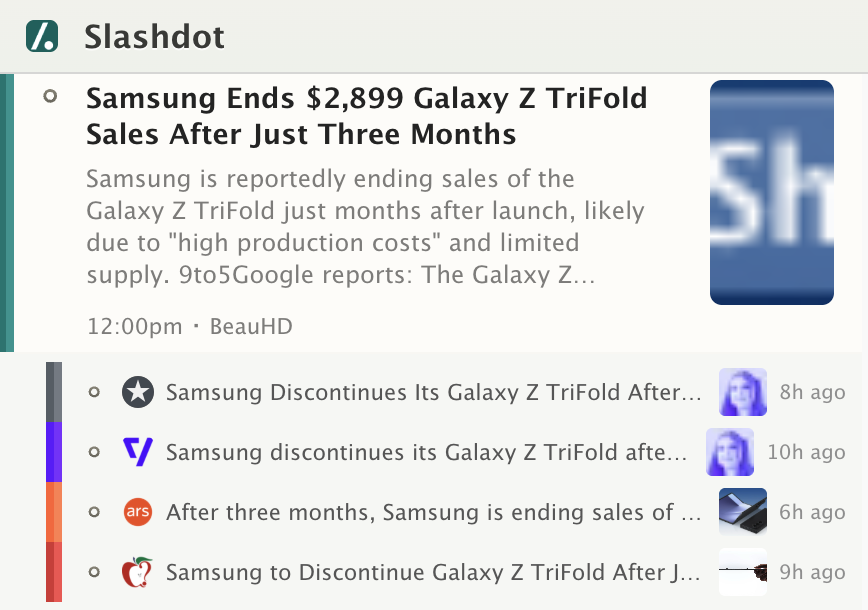
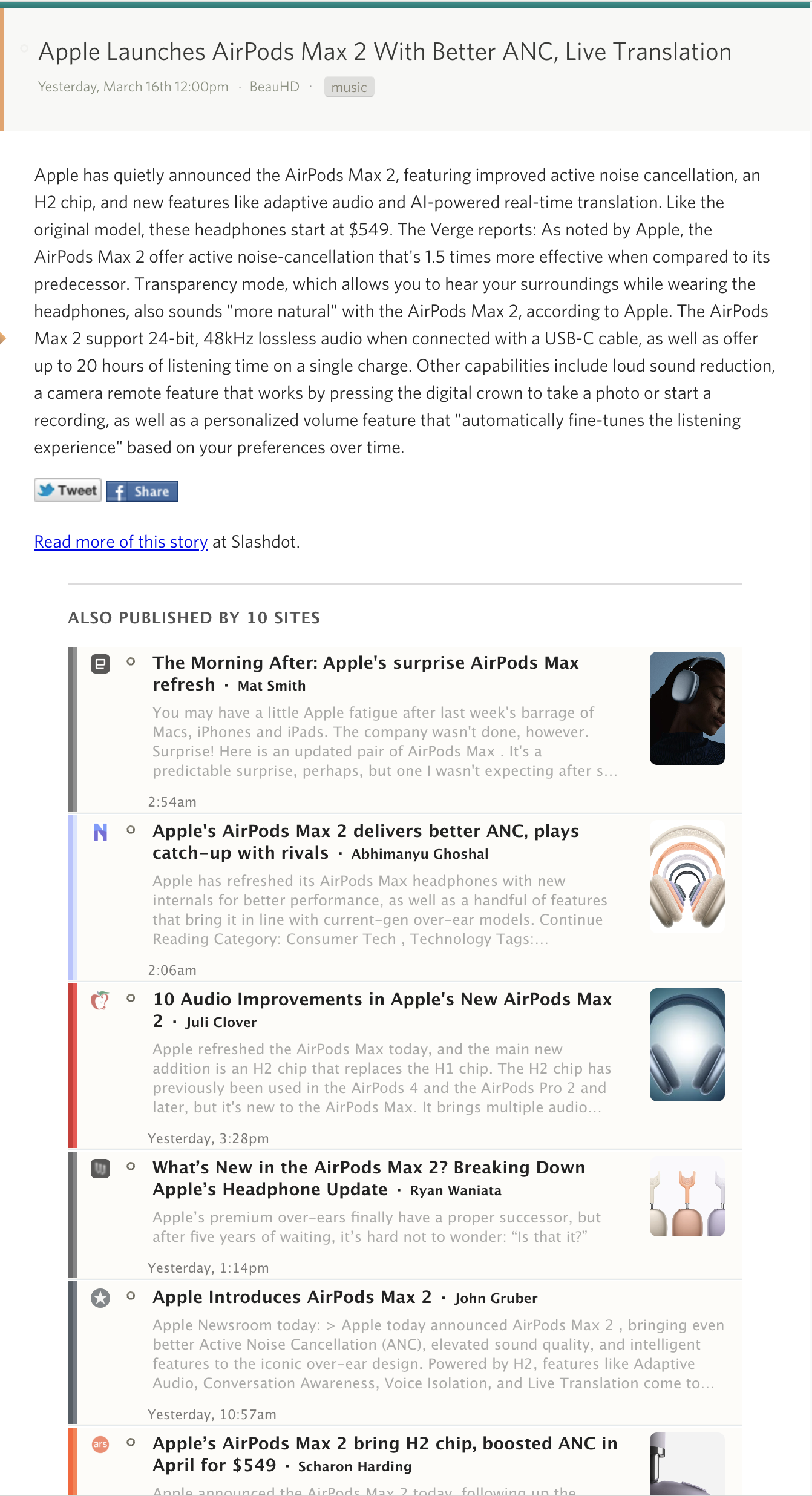
When multiple feeds cover the same story, NewsBlur groups them together so you only see it once.
How it works
- When a feed updates, NewsBlur checks for duplicate stories across all your subscriptions
- Title matching catches exact and fuzzy duplicates using significant-word overlap
- Semantic matching uses Elasticsearch to find stories about the same topic with different headlines
- Duplicates fold underneath the highest-scoring version in your river view
- Click any source to read that version instead, or mark all duplicates as read at once
How does clustering detect duplicate stories?
Two layers work together. Title matching normalizes headlines and groups exact and fuzzy matches. Semantic matching sends titles to Elasticsearch's more_like_this query to catch stories about the same event written with completely different headlines.
Can I automatically mark duplicates as read?
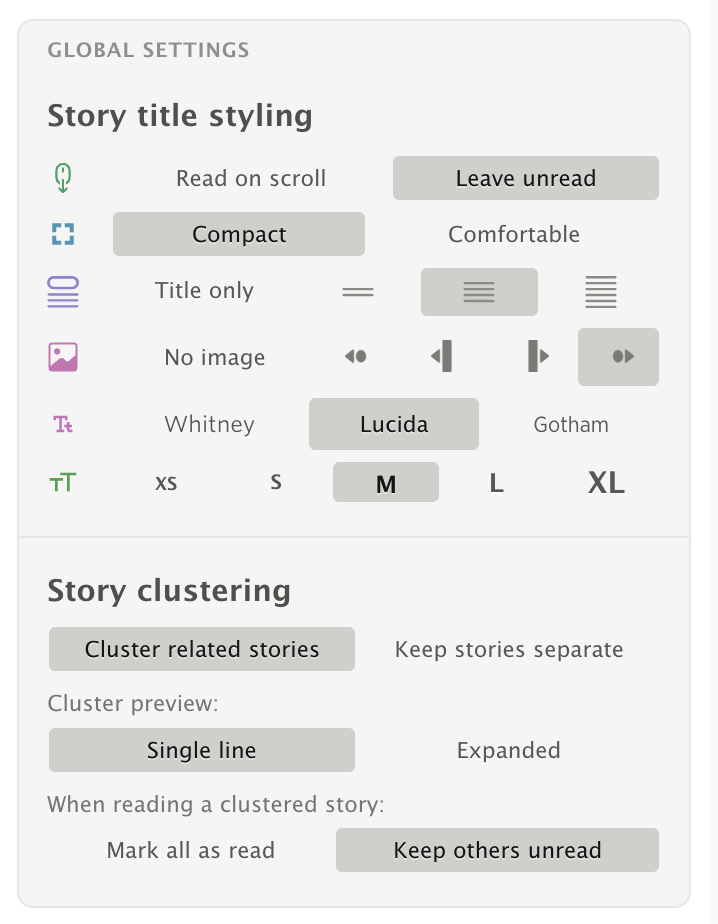
Yes. Enable "Mark all as read" in the feed options popover under Story Clustering, or in Manage > Preferences > Stories. When you read the representative story, all other stories in the cluster are marked as read.
Can I turn clustering off?
Yes. Toggle "Keep stories separate" in the feed options popover or in Preferences. Every story will appear individually as before.
What plan do I need?
All users see clustered stories on popular feeds. Premium Archive subscribers ($99/year) get full control: toggle clustering on or off, choose display styles, and automatically mark duplicates as read.
Explore more features
Intelligence TrainingAsk AI & Daily BriefingWeb FeedsEmail NewslettersFull-Text SearchStory ArchiveSaved Stories & TagsNative Apps MCP Server
 CLI ToolStory Clustering
 IFTTT & Zapier